01/25/21
Message Overview:
Message Description:
The amber 'CABIN PRESSURE FAULT' caution CAS message indicates either the pressure sensor has failed or the cabin altitude limiter function has failed.
Possible Causes:
- Internal Pressure Sensor of the IASC-1
- Cabin Altitude Limiter
- Associated Wiring
Troubleshooting Tips:
Advisory Wire/Service Bulletin: None
Forum Articles/Infoservice/Newsletter: None
IASC Logic:
The caution is posted by IASC1 and IASC2 through ARINC 429 digital link as soon as:
- A major failure is detected on the AUTO channel (Sensor, A/D converter, CPU, RAM, EEPROM, RS422 bus to/from OFV, OFV auto actuator internal failure reported,).
- Altitude limiter is detected failed.
DCU Logic:
The caution is posted by the DCU when:
- DCU reads CABIN PRESS FAULT OR No data from IASC1, OR DCU reads CABIN PRESS FAULT OR No data from IASC2 for more than 3 seconds.
Quick Links:
| Operational Test of the Cabin Pressure Control System | AMM 21-31-00-710-801 |
| Removal of the Integrated Air System (IAS) Controller | AMM 21-31-01-000-801 |
| Installation of the Integrated Air System (IAS) Controller | AMM 21-31-01-400-801 |
| Operational Test of the Integrated Air System (IAS) Controller | AMM 21-31-01-710-801 |
| Removal of the Outflow Valve | AMM 21-31-05-000-801 |
| Installation of the Outflow Valve | AMM 21-31-05-400-801 |
| Wiring - Maintenance Practices - ALL | SPM 20-12-00-02 |
| Wire Repair - Maintenance Practices - ALL | SPM 20-12-10-02 |
Troubleshooting Recommendations:
- Interrogate the MDC as follows:
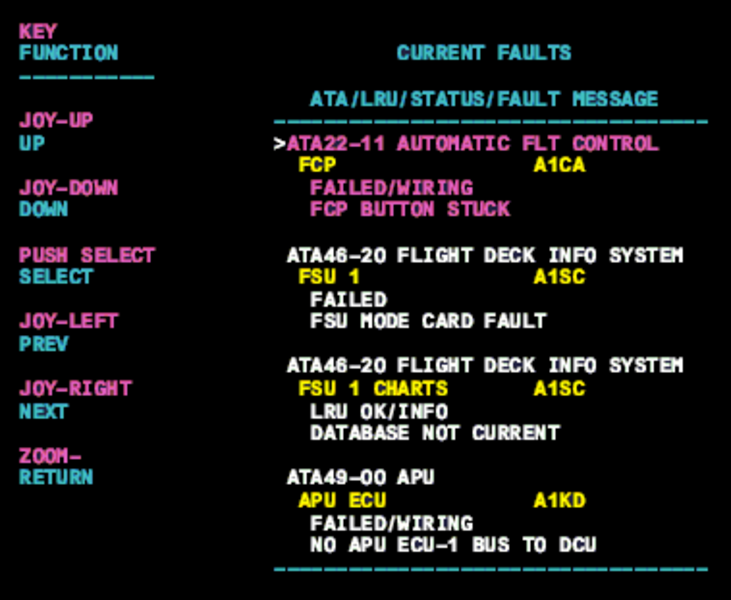
- On the cursor control panel, ensure the toggle switch is to the right and select Anti-Ice, ECS and Fuel buttons simultaneously. The MDC main menu should now be displayed on Display Unit #3.
- Using the joystick, select Current Faults (if the fault is active) or Aircraft History to research stored faults. From Aircraft History you can then select Fault Message History and locate the fault. Going into advanced diagnostics will provide an equation id for the fault identified.
- Select the MDC fault or equation from the drop down below to provide additional information to assist in troubleshooting.