01/27/21
Message Overview:
Message Description:
The cyan 'WING ANTI-ICE FAULT' advisory CAS message indicates one channel has failed on the outboard wing leading edge sensor.
- The wing temperature sensor operating range is -55 to +260°C however operates normally between -50 to +200°C. Leading edge temperatures exceeding these limits will cause the IASC to think the sensor is invalid and post the Cyan WING ANTI-ICE FAULT CAS message.
- The wing ANTI-ICE should work normally.
- Leading edge sensor status can be viewed through the MDC system diagnostics IASC #1 or #2 channel B LRU test. More details covered ins section ATA 30-12.

Possible Causes:
- None
Troubleshooting Tips:
Advisory Wire/Service Bulletin:
- AW300-72-0348 - AS907 Engine Diffuser Seal and Anti-Ice Valve
Forum Articles/Infoservice/Newsletter: None
Quick Links:
None
Troubleshooting Recommendations:
- Interrogate the MDC as follows:
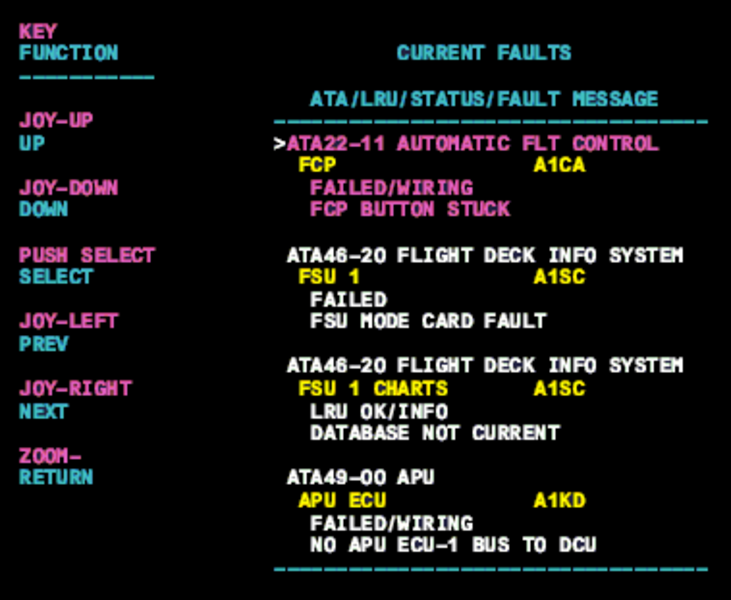
- On the cursor control panel, ensure the toggle switch is to the right and select Anti-Ice, ECS and Fuel buttons simultaneously. The MDC main menu should now be displayed on Display Unit #3.
- Using the joystick, select Current Faults (if the fault is active) or Aircraft History to research stored faults. From Aircraft History you can then select Fault Message History and locate the fault. Going into advanced diagnostics will provide an equation id for the fault identified.
- Select the MDC fault or equation from the drop down below to provide additional information to assist in troubleshooting.