


02/11/20
Message Overview:
| DDG Reference: | 32-50 |
| Pilot Action (QRH): | STATUS |
| System Description: | 32-51-00 |
| Schematic Diagram: | 32-51-00 |
| Wiring Diagram: | 32-51-01 31-52-15 |
BCU NVM Download Procedure
This is a visual interpretation on how to correctly access the Brake Control Unit (BCU) NVM.
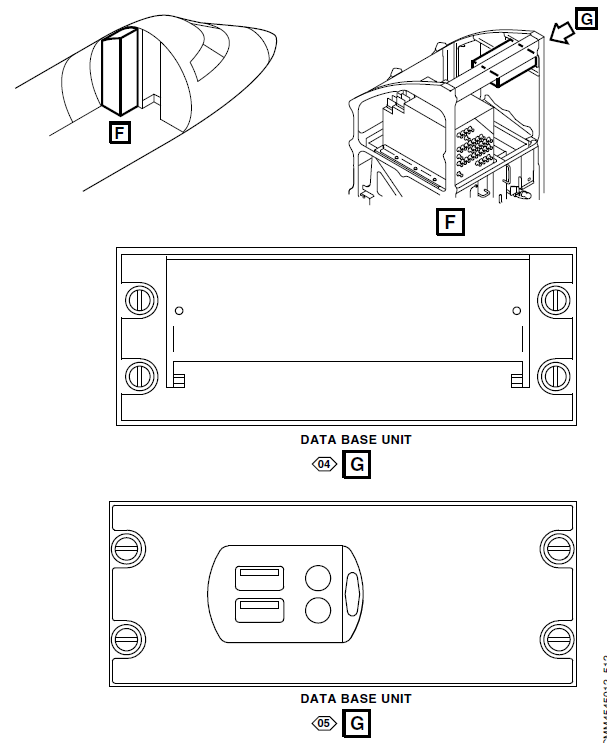
- Plug in the USB key in the Database Unit (DBU).
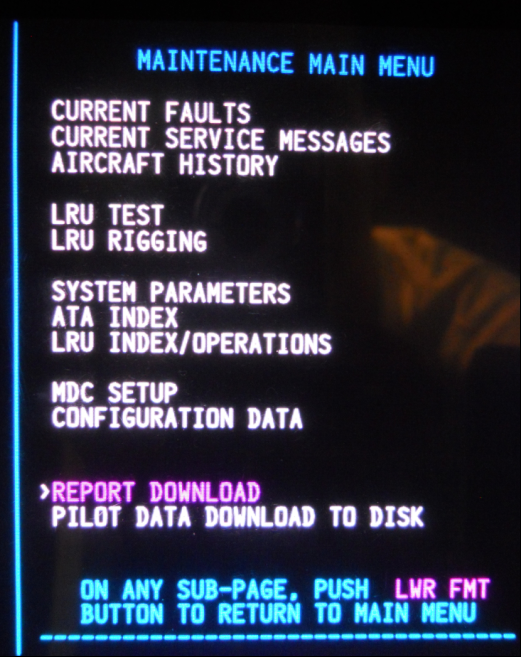
- Get access to the MAINTENANCE MAIN MENU.
- Select REPORT DOWNLOAD.
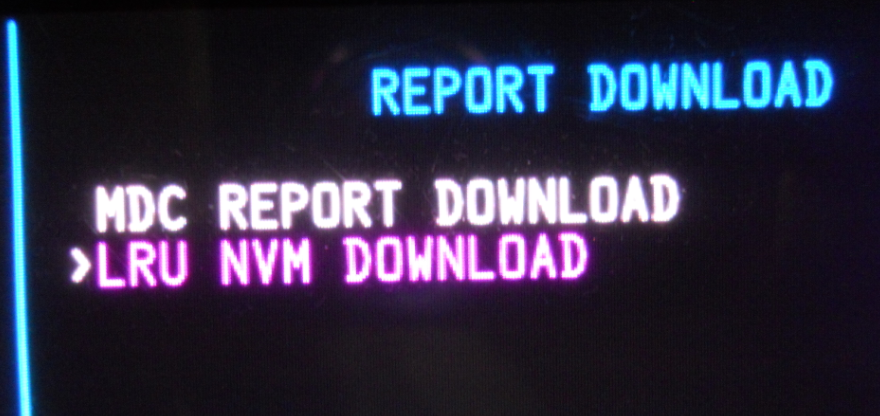
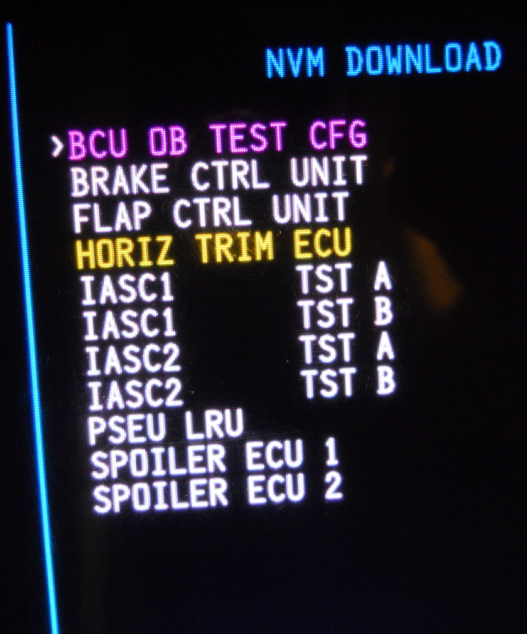
- Select LRU NVM DOWNLOAD.
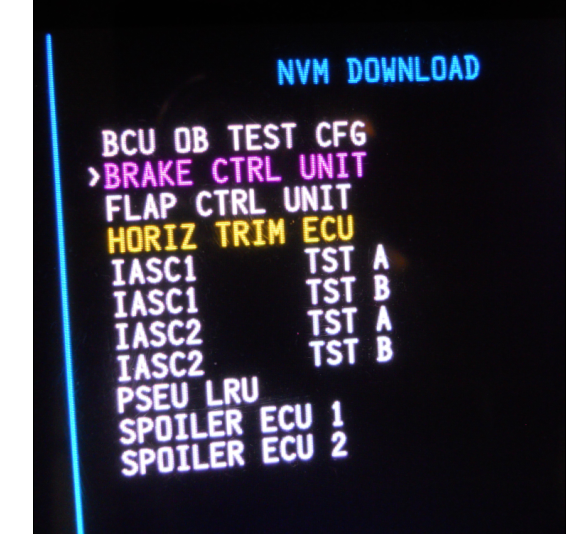
- For the Inboard card or Inboard components of the BCU select BRAKE CTRL UNIT.
- Select SEND.
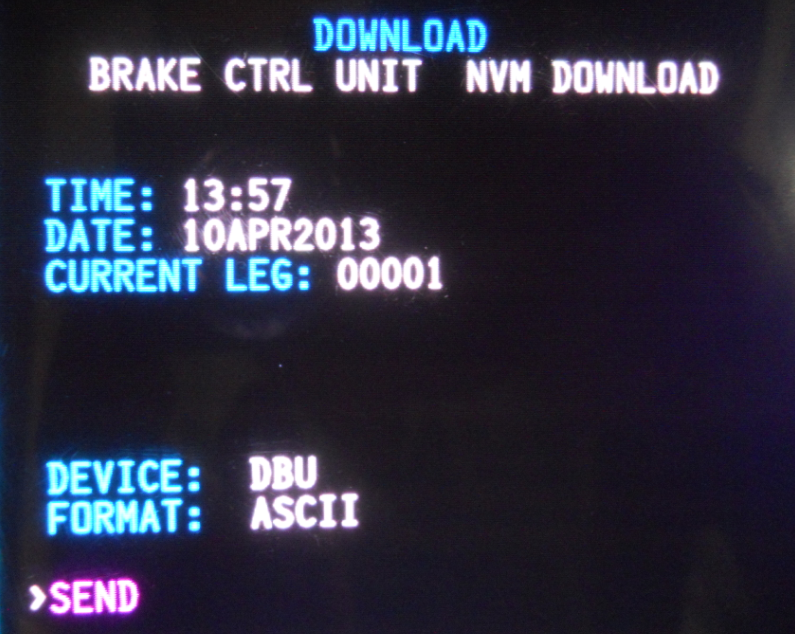
BCU Inboard NVM data is transferring to USB key. - For the Outboard card or Outboard components of the BCU select BCU OB TEST CFG.
- Select SEND.
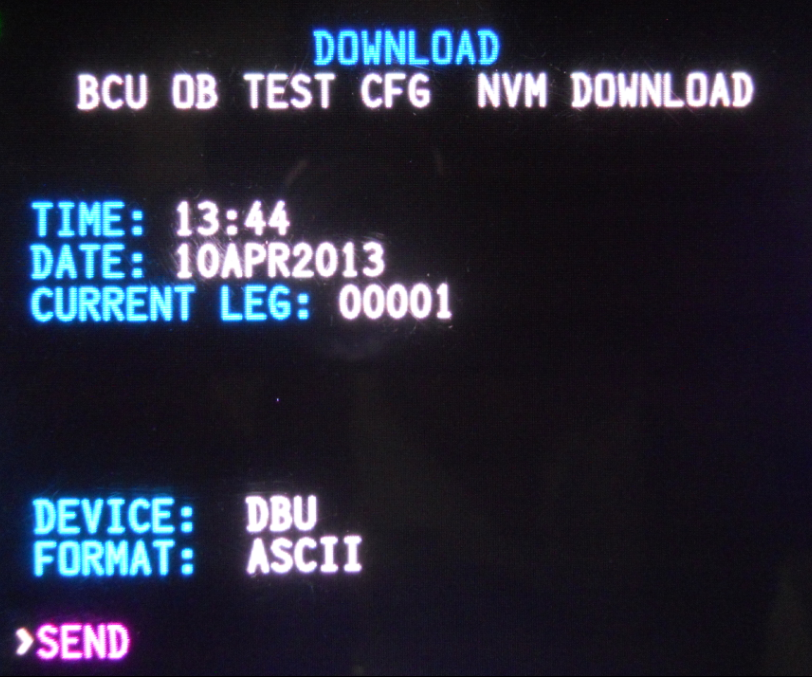
BCU Outboard NVM data is transferring to USB key.